

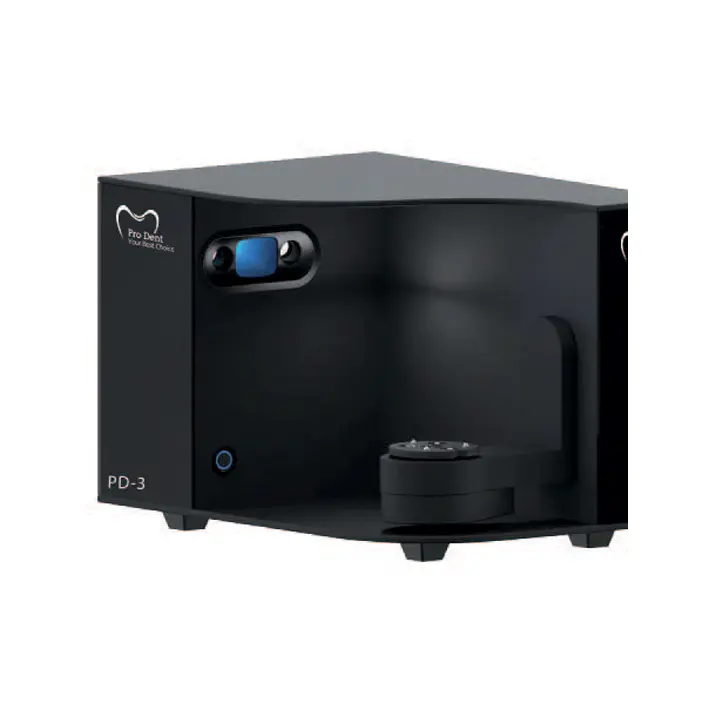
PD scanner series
PD3- High-performance scanner to further enhance your scanning efficiency
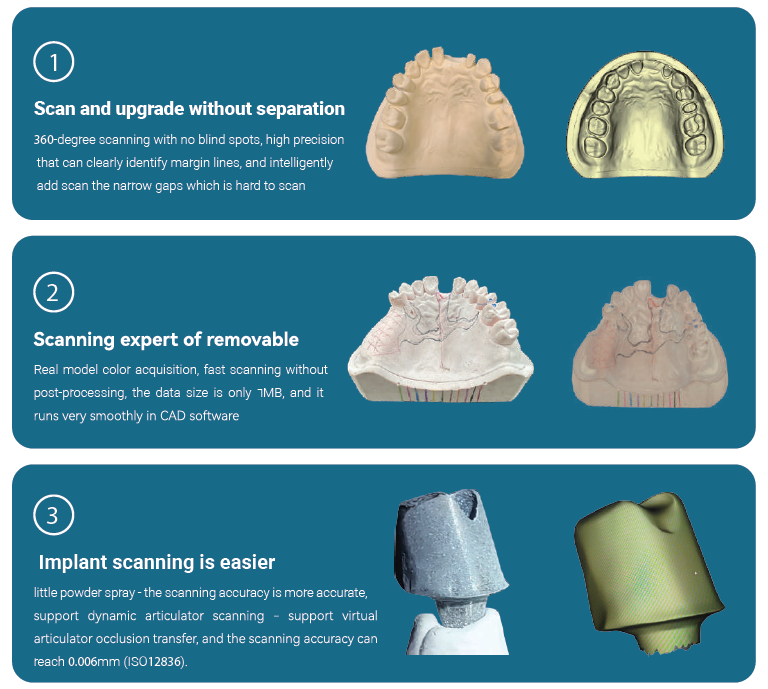
Comprehensive upgrade of scanning performance
Product Description
Pro Dent Products Come with a Great Warranty.
Specifications
Handpiece
Dimensions (L*W*H)
240mm * 49.5mm * 30.5 mm
Weight
210g
Tip
Standard Tip Size
79mm * 19.7mm * 15.8mm
Mini Tip Size
80mm * 16mm * 11mm
Scan Area
(Standard)
15mm * 15mm
Scan Area (Mini)
12mm * 12mm
Depth of Field
15 mm
Autoclavable
Up to 100 times
121°C at 16 minutes
134°C at 4 minutes
System
Scanning Accuracy
Crown < 10µm
Full Arch < 10µm
Scanning Speed
Single Arch 30 seconds
Full arch with occlusion 90
seconds
Calibration Free
Yes
Model Export
STL, OBJ, PLY
Connectivity
USB 3.0
Multilingual
Support
Simplified China, English, Spanish, Russian, Portuguese,
Italian, Greek, Polish,
Romanian, Japanese, Korean,
Turkish, Czech, German,
Hungarian
Recommended Hardware Configuration
Category
Laptop
Desktop
Category
Intel Core i7-H
Intel Core i7- 11700
RAM
16 GB or higher
Graphic Card
NVIDIA GeForce 3060 or newer with 6GB Graphic Memory
(Do not support AMD or Intel graphic cards)
Internal Storage
256 GB or more SSD
Display
1080 * 1920 60HZ
Operation System
Windows 11/10 Pro/Corporate Edition (64-bit)
I/O Port
USB 3.0
Power Consumption
25 V/A
User Guide
Please read the manual before use.
1. Safety Warning
- The information in this document won't be modified or extended in accordance with any notice.
- The watch should be charging 2 hours at least before use. Security Code
- The original code is 1122,this code can prevent your watch in use by others without your permission.
- Please change the original code to insure your personal information safe.
2. Product details
- Power button: Power On/Off;Awaken/turn off screen;Back to main menu
- Touch screen: each function (main menu) will be shown and displayed on capacitive touch screen
3. Clock Display
- Method 1: Power on, when the phone in clock mode, please click middle screen and set different clock interfaces if you like.
- Method 2:Power on, Main menu: setting--phone setting--standby menu display -- unlock selection.
4. Product quick use
- Download the Sync software
- Install and use the Sync software